 FaLe PDF
Get your paperwork done. No subscription, no upload.
FaLe PDF reads, fills in, signs, scans and converts – plus documents, spreadsheets and presentations. Free and right on your device.
For Windows and Mac
Install FaLe PDF on your computer – just like a regular program: with its own icon, its own window and it works without internet. Free, no account and no installer file.
- Click “Download”. FaLe PDF opens in your browser.
- Confirm “Install”. Your browser asks once.
- Done. From now on you start FaLe PDF from the Start menu (Windows) or the Dock (Mac).
On Windows with Edge or Chrome – then PDFs open with a double-click. On a Mac with Safari (macOS 14 or later: File › Add to Dock), Chrome or Edge.
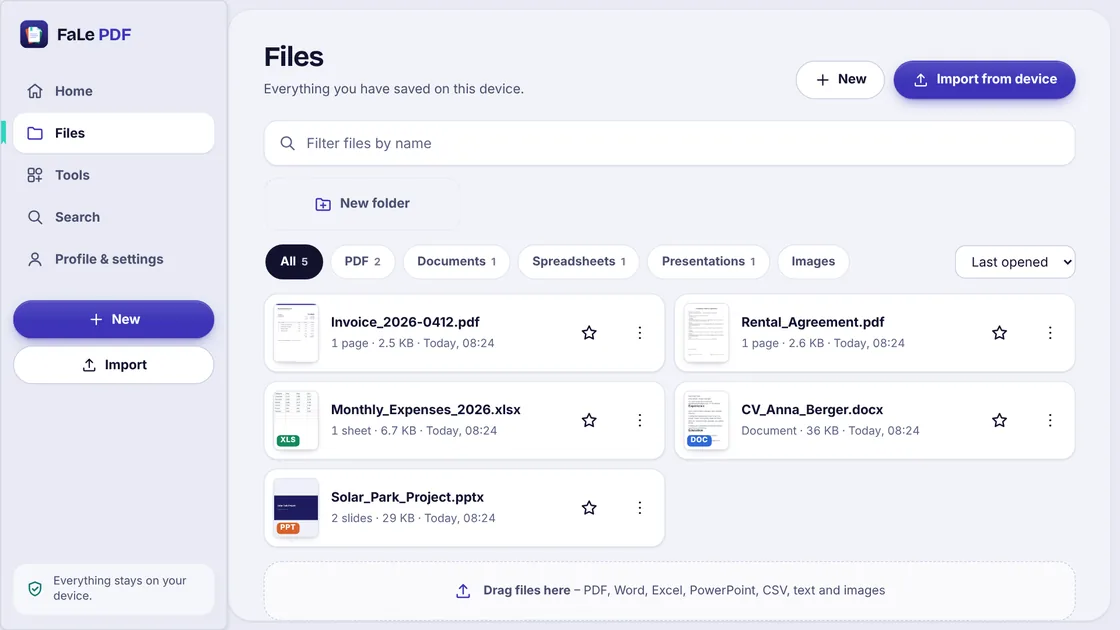
What you get done
Not a pile of tools to click through: these are the things people actually open the app for.
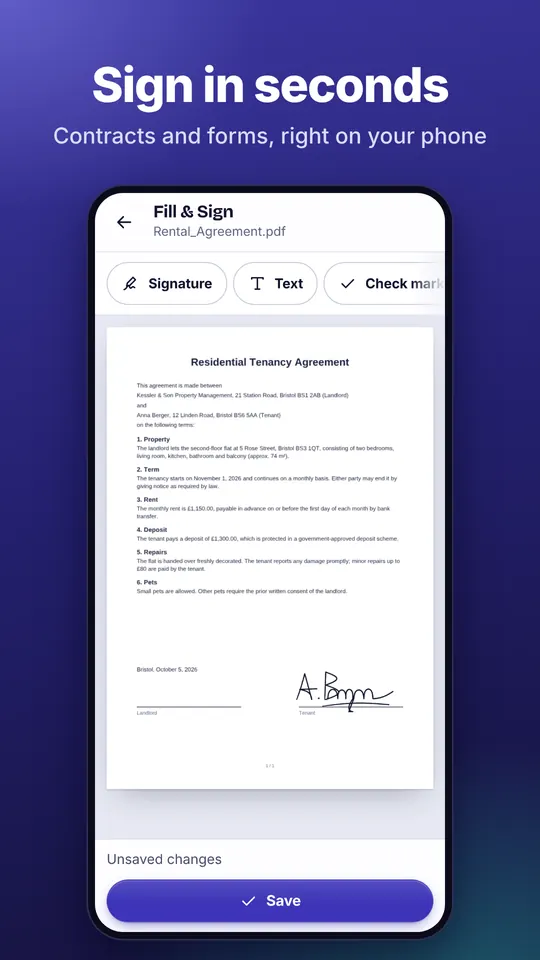
- Sign a rental agreementFill in the form, draw your signature once and place it with a tap.
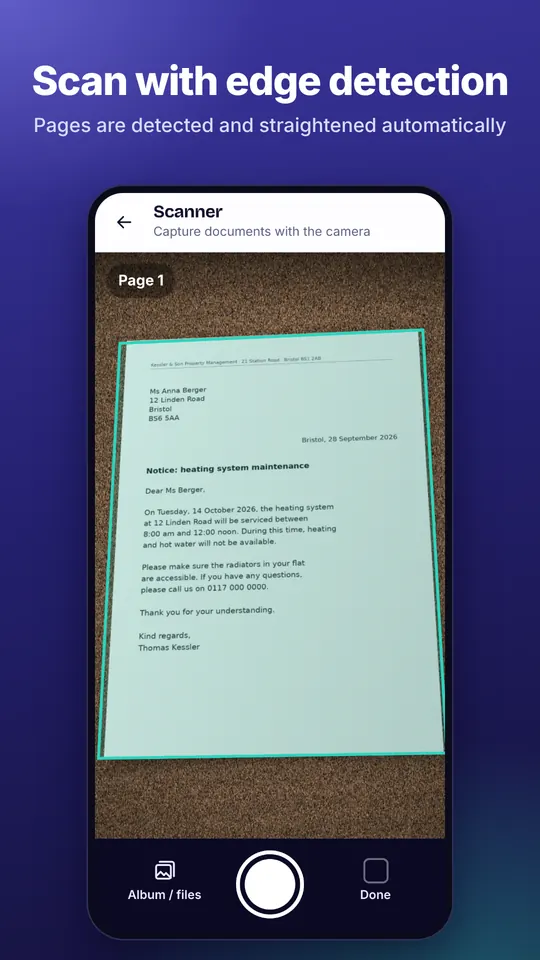
- Capture receipts and lettersScanner with edge detection and text recognition – offline too.
- Send a cancellationReady-made letters for phone, energy, gym and more in a minute.
- Put together a job applicationCV from templates, cover letter, certificates merged into one PDF.
- Submit documents to authoritiesCompress, convert to PDF/A, redact confidential parts.
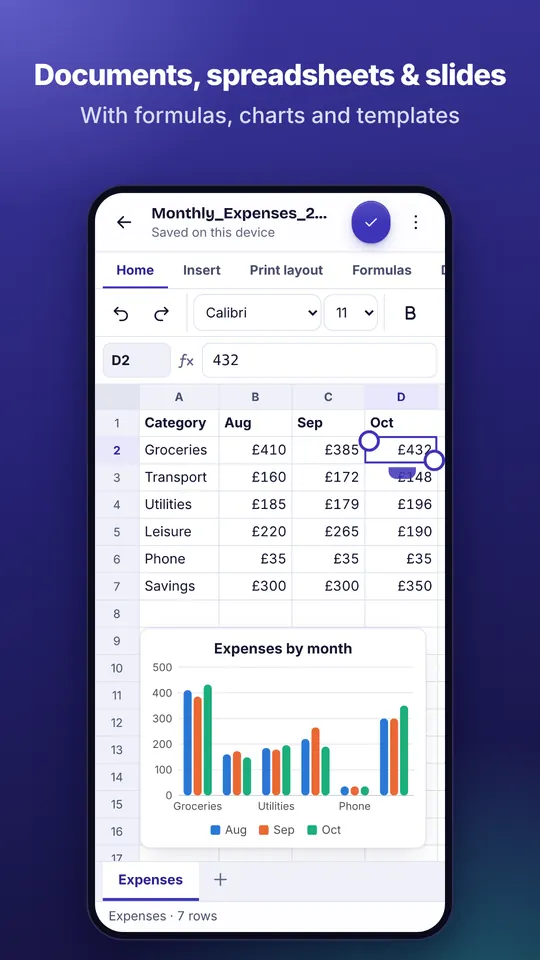
- Write an invoice or quoteTemplates that do the maths – as PDF, Word or Excel file.
Your files stay with you
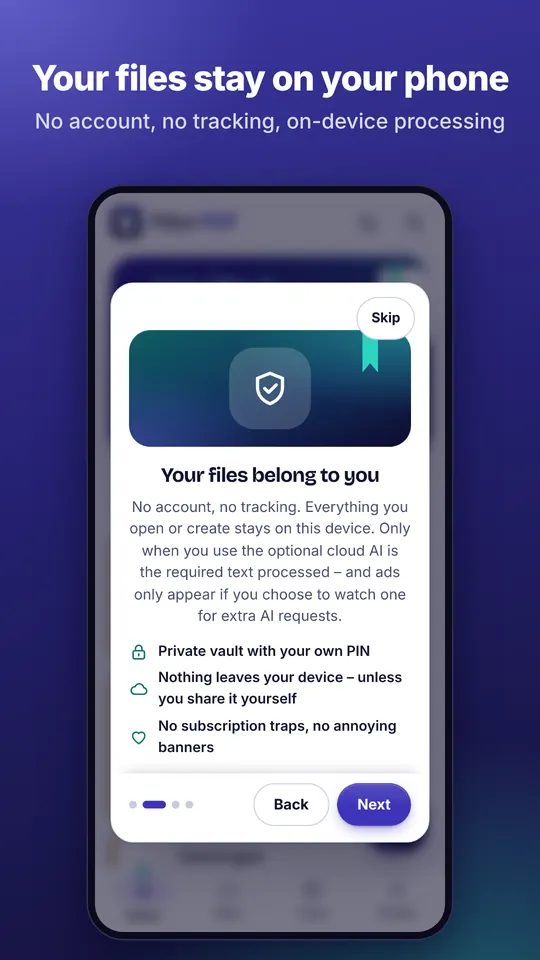
- No upload
- Editing, converting and text recognition run on your device. You only use the optional AI if you switch it on.
- No account
- Open it and start. You only need an account if you choose to sync between devices.
- No banner ads
- There are only ads if you start a video yourself to get extra AI requests.
Free instead of a subscription
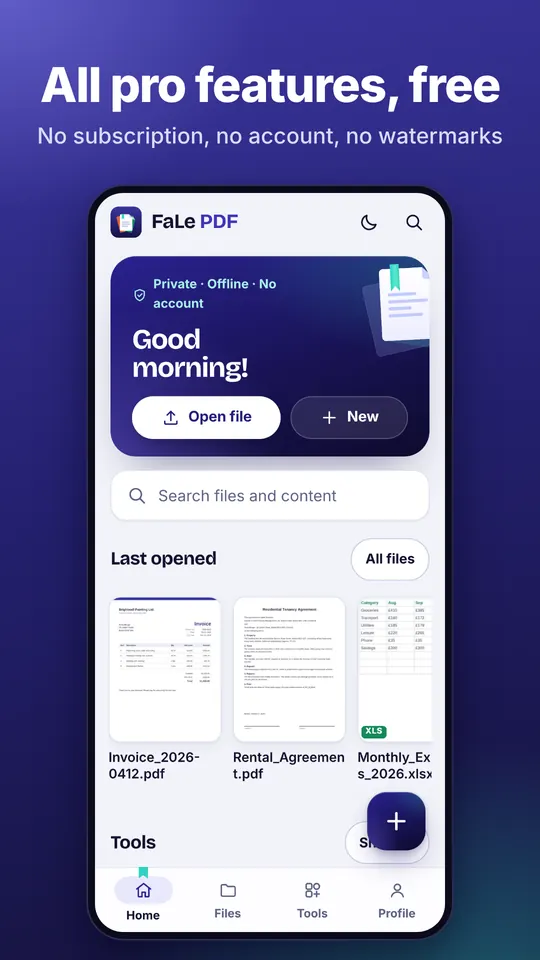
Many PDF apps charge a subscription for these features. Here they are free and without watermarks.
If you want to support the development, you can choose FaLe Plus or a one-time thank-you in the Android app.
- Sign & fill in
- Text recognition (OCR)
- PDF to Word, Excel, PowerPoint
- Redact
- Compress
- Manage pages
- PDF/A for authorities
- Password protection
- Compare PDFs
- Batch processing
How it looks
Questions
Is FaLe PDF really free?
Yes. All PDF and office features are free, with no subscription and no watermark. Only the optional cloud AI has a daily free allowance.
Are my files uploaded?
No. Your files are processed and stored on your device. Only if you deliberately use the cloud AI, sharing by link or sync does anything leave your device – encrypted, or only the text you selected.
Does it work offline?
Yes. Everything except cloud AI, sharing and transfer works without internet.
Can I install FaLe PDF on my computer?
Yes. Under “For Windows and Mac” above, click “Download” and confirm “Install”. On Windows this works with Edge or Chrome, on a Mac with Safari, Chrome or Edge. FaLe PDF will soon be in the Microsoft Store as well.
Which files can I open?
PDF, Word (DOCX), Excel (XLSX, CSV), PowerPoint (PPTX), text, Markdown and images.
Try it right now
The browser version runs without installing anything – on your phone and on your computer.