 FaLe PDF
Free · no account · your files stay on your device
Merge PDFs
Combine invoices, scans or chapters into a single PDF – in the order you want.
How it works
- Choose files Open “Merge” and tap “Add documents”.
- Set the order Drag the files into place or use the arrows.
- Merge Tap “Merge” – the new PDF is in your files right away.
Why FaLe PDF
- No uploadThe files are combined on your device – confidential papers stay with you.
- Large filesEven hundreds of pages are processed quickly without the app freezing.
- Carry straight onThen compress, sign or share – all in the same app.
Frequently asked questions
How many PDFs can I merge?
As many as your device can handle. There is no artificial limit.
Can I leave out single pages?
Yes. With “Organize pages” you delete, rotate or reorder pages before or after merging.
Does the text stay selectable?
Yes. The pages are taken over unchanged, so text stays selectable and searchable.
Does it cost anything?
No. Merging is free, without a watermark and without an account.
Try it now
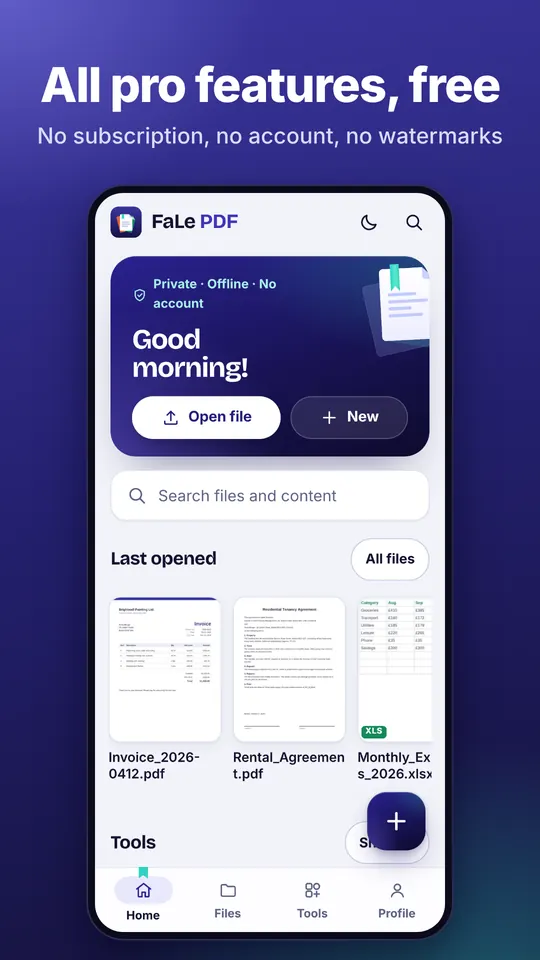
FaLe PDF runs in the browser, on your phone and on your computer. Every feature is free.