 FaLe PDF
Free · no account · your files stay on your device
Edit a PDF
Add text and images, change existing text or cover areas – right in your PDF.
How it works
- Open the PDF Open the PDF and choose “Edit PDF”.
- Make changes Use “Text” to write something new, “Replace” to tap existing text and change it, and “Image” to add a photo or logo.
- Save Tap “Save” – the new version is in your files and the original is kept.
Why FaLe PDF
- Change existing text“Replace” picks up the font size and colour of the spot, so the change fits in.
- Easy text settingsSize with A− and A+, bold, colour – no hunting through menus.
- Free instead of ProWhat others only offer with a subscription is free here – without a watermark.
Frequently asked questions
Is the old text really removed?
When replacing, the old text is covered. For confidential passages that must be removed from the file for good, use “Redact”.
Can I add images and logos?
Yes, JPG and PNG. Move and resize them with your finger or mouse.
Does it work offline?
Yes. After the first visit, editing also works without internet.
Is my original kept?
Yes. A new version is saved; you can replace the original if you want to.
Try it now
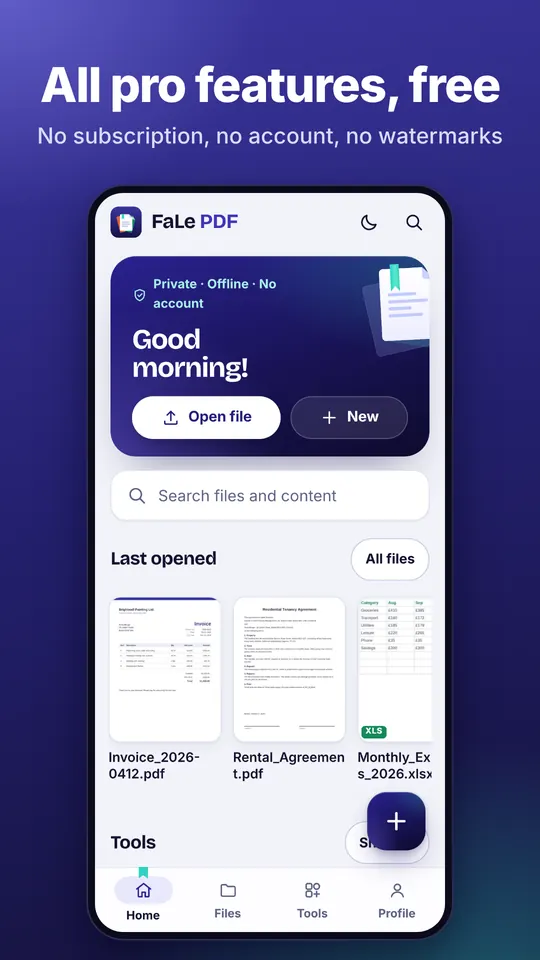
FaLe PDF runs in the browser, on your phone and on your computer. Every feature is free.