 FaLe PDF
Free · no account · your files stay on your device
Compress a PDF
Too big for an email or an online form? FaLe PDF makes the file smaller – you see the size before and after.
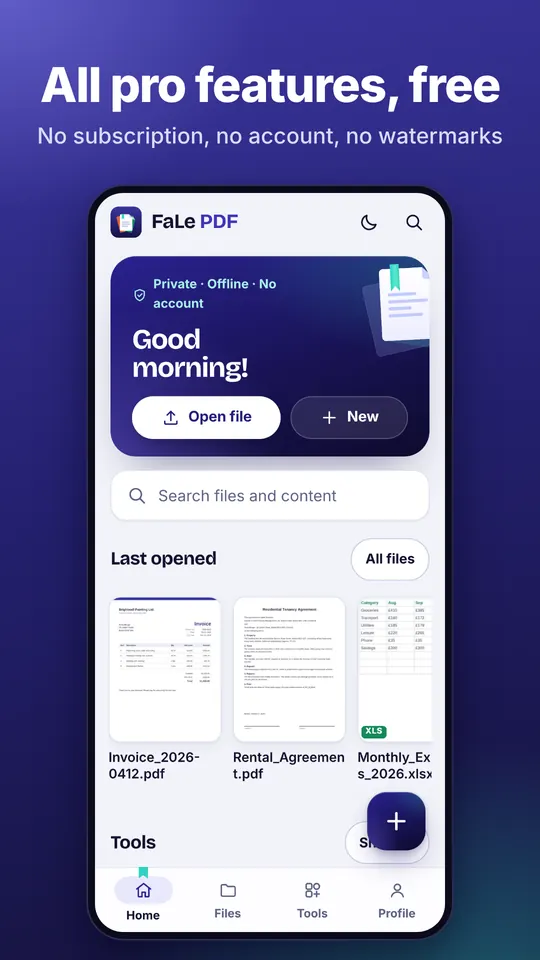
How it works
- Open the PDF Open the PDF and choose “Compress PDF”.
- Choose how “Shrink images” for scans and photos, “Lossless” for text documents or “Strong” for the smallest file.
- Compress Tap the button – you see right away how much smaller the file has become.
Why FaLe PDF
- The right choice preselectedFor large scans, “Shrink images” is already selected – as readable as before.
- Honest resultIf nothing more can be saved, FaLe tells you instead of saving a worse file.
- No uploadEven large files are compressed on your device.
Frequently asked questions
Does the quality get worse?
“Lossless” doesn't change the look. “Shrink images” only recalculates photos and scans, text stays sharp. “Strong” turns every page into an image.
Does text stay selectable?
With “Lossless” and “Shrink images”, yes. With “Strong” the pages become images.
How small will the file get?
That depends on the content. Scans and photos usually shrink a lot, pure text files less.
Is there a size limit?
No, only the storage of your device.
Try it now
FaLe PDF runs in the browser, on your phone and on your computer. Every feature is free.