Read PDFs
- Fast viewer with search, bookmarks and outline
- Reading mode: text reflowed for your phone, also sepia and dark
- Read aloud with your device’s text-to-speech
 FaLe PDF
Deutsch
FaLe PDF
Deutsch
Read, fill in, sign, scan and convert PDFs – plus documents, spreadsheets and presentations. Everything runs right on your device, including features other apps charge a subscription for.
The Android app is coming to Google Play soon. Until then: open it in your browser and choose “Install app”.
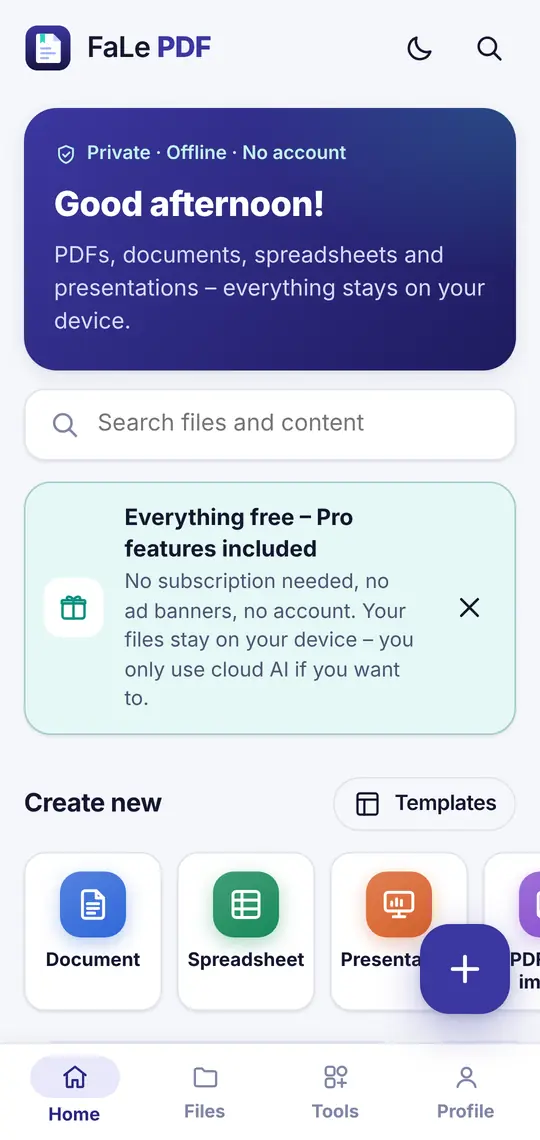
More than 40 PDF and office tools – no watermarks, no sign-up.
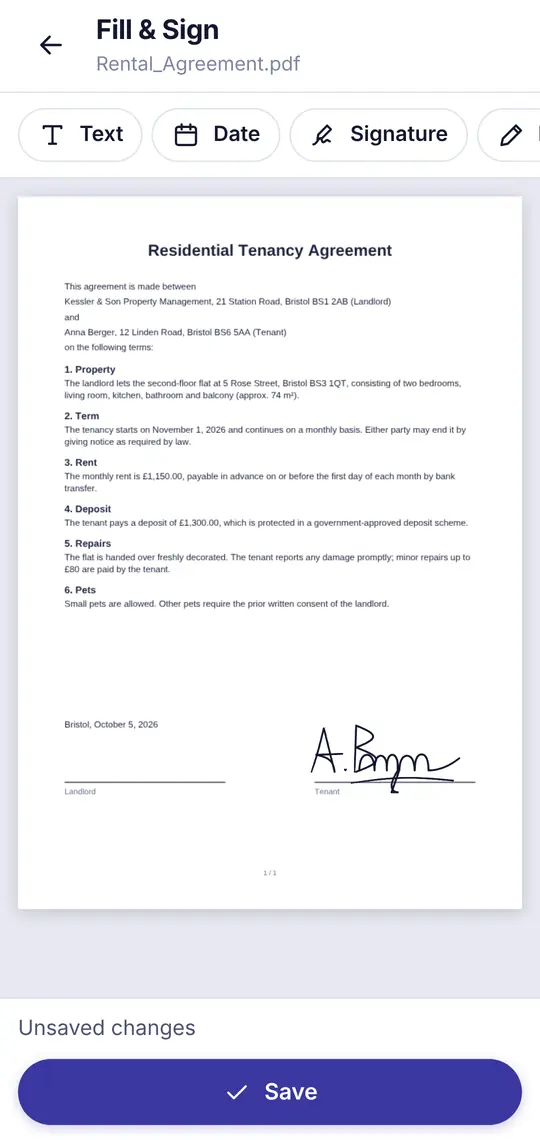
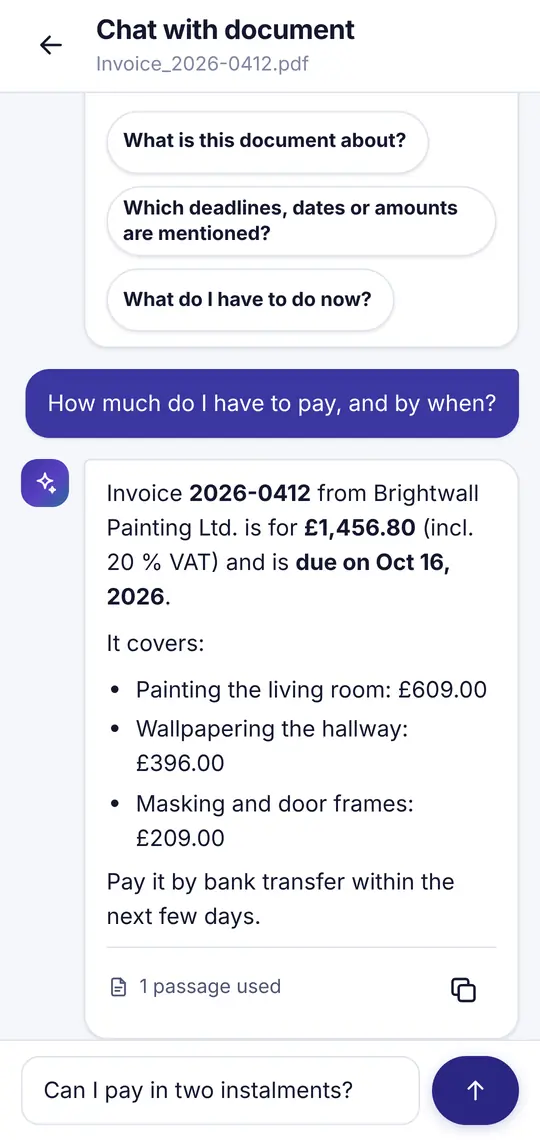
Because almost everything happens on your device – and that costs us nothing.
Reading, signing, scanning, text recognition, converting and editing run right on your phone or computer. No servers needed – so there is nothing to pay for.
The optional cloud AI has real costs per request. That’s why there is a free daily allowance.
No banner ads, no tracking, no analytics and no selling of data. You only see an ad if you start a video yourself.
Yes. All PDF and office features are free – no subscription, no account, no watermarks. Only the optional cloud AI costs money to run: there are free requests every day.
No. Your files are processed and stored on your device. Only when you use the optional cloud AI is the text you select sent to the AI service – with your consent, and no content is stored. You can share or save files yourself at any time – only then does a file leave your device.
Yes. Drawing, saving and placing your signature is free and needs no account – just like filling in forms and adding dates, text or stamps.
Yes. All tools except the optional cloud AI work without internet – including text recognition (OCR). Its language data (English and German) is downloaded once on first use.
Android: the app is coming to Google Play soon. In the browser (Android, computer): open FaLe PDF and choose “Install app” or “Add to Home screen” from the browser menu. iPhone/iPad: open it in Safari, tap “Share” and choose “Add to Home Screen”.
PDF, DOCX, XLSX, PPTX, CSV, TXT, Markdown and images (JPG, PNG, WebP). With “Open with” and “Share” you can take files straight from email, messengers or your file manager.
No banners and no ads while you work. In the Android app you can choose to watch a video ad to get extra AI requests – that’s all.
The app is available in English and German. The letter generators (cancellation, withdrawal etc.) follow German law and create German letters.
No sign-up, right in your browser – or soon as an Android app.
The Android app is coming to Google Play soon.